Sub Guard
A steep crossover (up to 200 Hz) splits the 808 around the drive. Only the part above it is distorted; the sub leaves clean, centred and at the level it came in.
Free 808 distortion plugin · v2.4
Make your 808s cut through on any speaker. Sledge drives the harmonics, keeps the sub clean and lets you draw the EQ right on the oscilloscope — free, with NAM amp profiles built in.
Free download with your email · or pay what you want: suggested £19.99, minimum £14.99
Payments are run by Lemon Squeezy as merchant of record.
Built for 808s
A clean 808 is mostly a sine wave down around 40–60 Hz. Phones, laptops and earbuds can barely play that, so the bass you hear in the studio disappears for most listeners.
Distortion adds harmonics higher up, where small speakers can reproduce them, and your ear fills the note back in. The catch: distort the whole 808 and the sub turns to mud. Sledge is built around keeping those two jobs apart.
A steep crossover (up to 200 Hz) splits the 808 around the drive. Only the part above it is distorted; the sub leaves clean, centred and at the level it came in.
One knob. Turn toward Bark for a push around 600 Hz — right where phone speakers live. It works on the harmonics the drive creates, so you hear it even on near-sine 808s.
Output stays level-matched as you push the drive, so you judge the tone, not the volume jump. A −0.5 dBFS output ceiling keeps it from clipping your channel.
NAM profile support
NAM — Neural Amp Modeler is a free, open-source project that teaches a neural network how a real piece of gear sounds. Someone plays test audio through an amp, pedal or preamp, records what comes out, and the model learns the difference.
The result is a small .nam file — a profile, or capture — that reproduces that gear's tone, including how it reacts when you hit it harder. The NAM community shares thousands of them online for free.
No profiles? You don't need any. The seven built-in clip types work the moment you load the plugin.
.nam files, or whole folders of them, onto the window. They load in place of the clip types.Run the 808 through a cranked amp capture with Sub Guard on. The amp growls above the crossover while the sub underneath stays clean — grit you can't get from a stock saturator.
A bass amp or preamp capture adds the midrange body of a real rig to a synthetic 808 — no studio, no hardware, no mic.
Load a fuzz or overdrive pedal capture and hit EXTREME to push the model 9 dB harder — for drill and rage 808s that tear.
Route the LFO to Dist Mix, synced to 1/8 or 1/16, and the amp tone pulses in and out in time with the beat.
Amp captures can add top-end fizz. Draw a high cut or a notch on the scope with the graphic EQ and keep only the part you want.
Flip CLIP / NAM to compare your profile with a built-in clip type on the same settings, then keep whichever sits better in the mix.
Screenshots
Features
Brutal Fuzz, Tube Overdrive, Bit Crusher, Tape Saturation, Transformer Saturation, Diode Clipper and Decimator, with up to 4× oversampling. EXTREME adds 9 dB more drive; BOOST adds a clean lift.
Load Neural Amp Modeler captures of real amps and pedals in place of the clip types, with a drag-and-drop library and a one-click CLIP / NAM switch.
A steep 8th-order crossover, up to 200 Hz, split around the drive so your low end stays out of the distortion.
One bipolar knob from Bark (a mid push) to Scoop (a mid cut), before and after the drive. Works as a tone control even with the drive off.
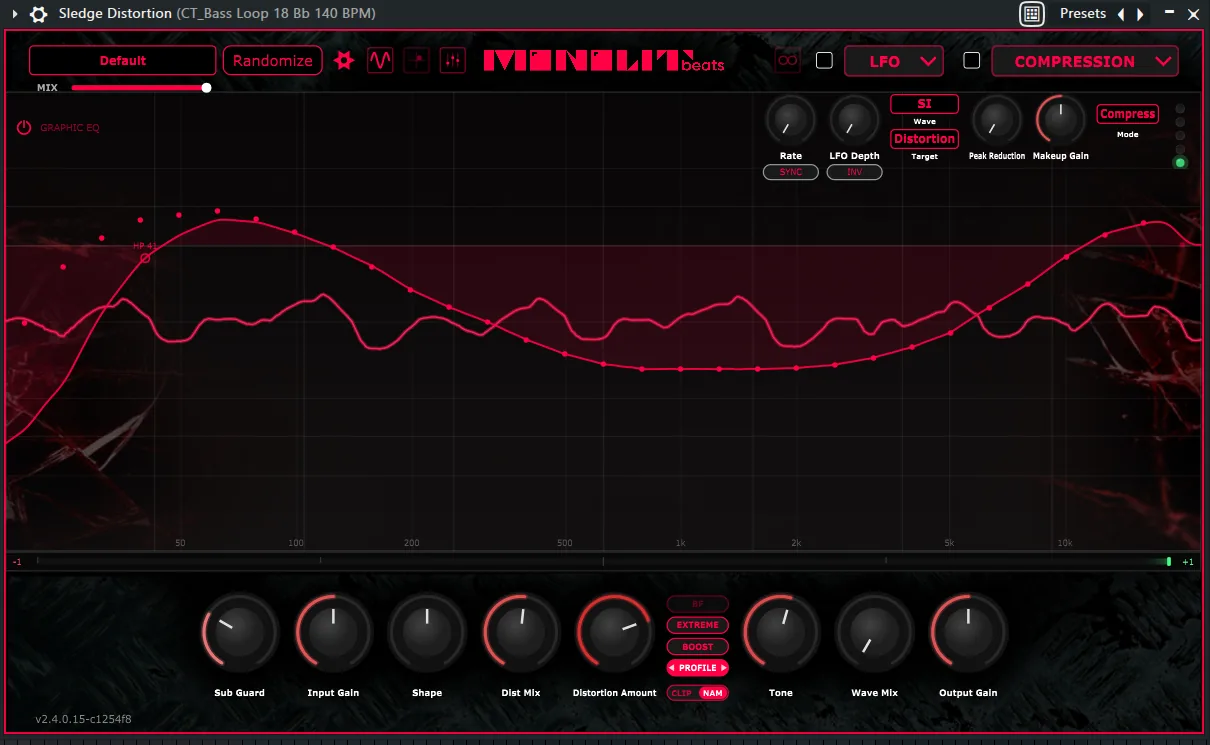
Draw a curve on the scope and it becomes a 31-band EQ, 20 Hz–20 kHz, −24 to +12 dB, with high- and low-pass end points. Automatable and saved with presets.
LA2A-style dynamics with program-dependent tracking, 3:1 and 12:1 ratios and tube-harmonic weight.
Five waveforms into five destinations, free-running 0.1–50 Hz or BPM-synced from 1/1 to 1/32 with triplets.
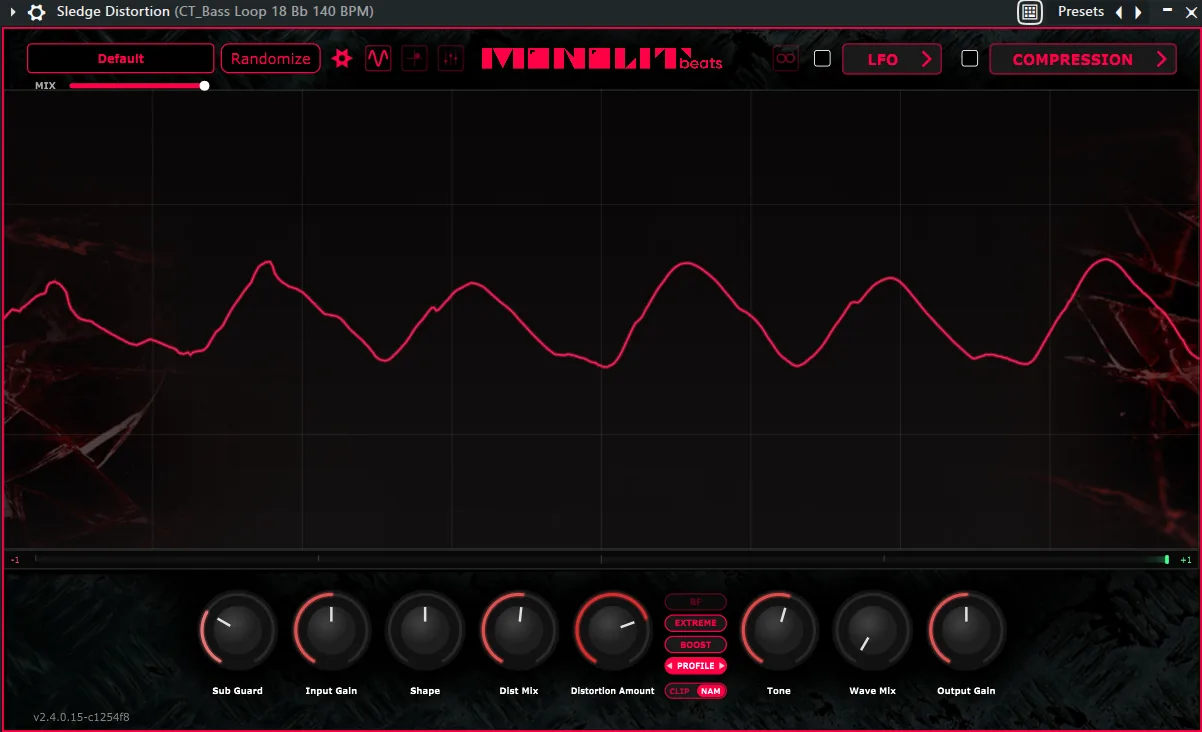
See what the drive does to the waveform, with an XY Morph pad that shows drive and Shape as you drag. Fold it away for a compact strip.
Bass or guitar on one interface input? Sledge plays it out of both speakers, not just one.
automated test assertions; every build validated with pluginval at strictness 10 and auval.
current release — NAM profiles, Shape, a steeper Sub Guard and a 31-band EQ. Windows, macOS and Linux.
free and open source — use it on any track you make, personal or commercial.
Pricing
The free download is the full plugin — every feature, no trial, no time limit.
If Sledge earns a place in your tracks, you can buy it through Lemon Squeezy from £14.99. Pay the suggested £19.99 and the extra goes directly into the next Monolit Beatz plugin. Even a small amount helps keep solo DSP work moving.
FAQ
Yes. Enter your email, pick your system and the full plugin downloads straight away, with every feature included. It is open source under the GPL v3. If you want to support development you can pay what you want instead.
Not with Sub Guard on. It splits the 808 with a steep crossover (up to 200 Hz) so only the part above it is distorted. The sub stays clean and at its original level while the harmonics above it make the 808 audible on phones and laptops.
NAM (Neural Amp Modeler) is a free, open-source project that uses machine learning to capture the sound of a real amp, pedal or preamp. The capture is saved as a small .nam file. Sledge loads .nam files in place of its built-in clip types, so you can run an 808 through a real guitar amp, bass amp or fuzz pedal sound.
No. Seven clip types are built in and ready the moment you load the plugin. NAM profiles are an extra for when you want the sound of specific gear.
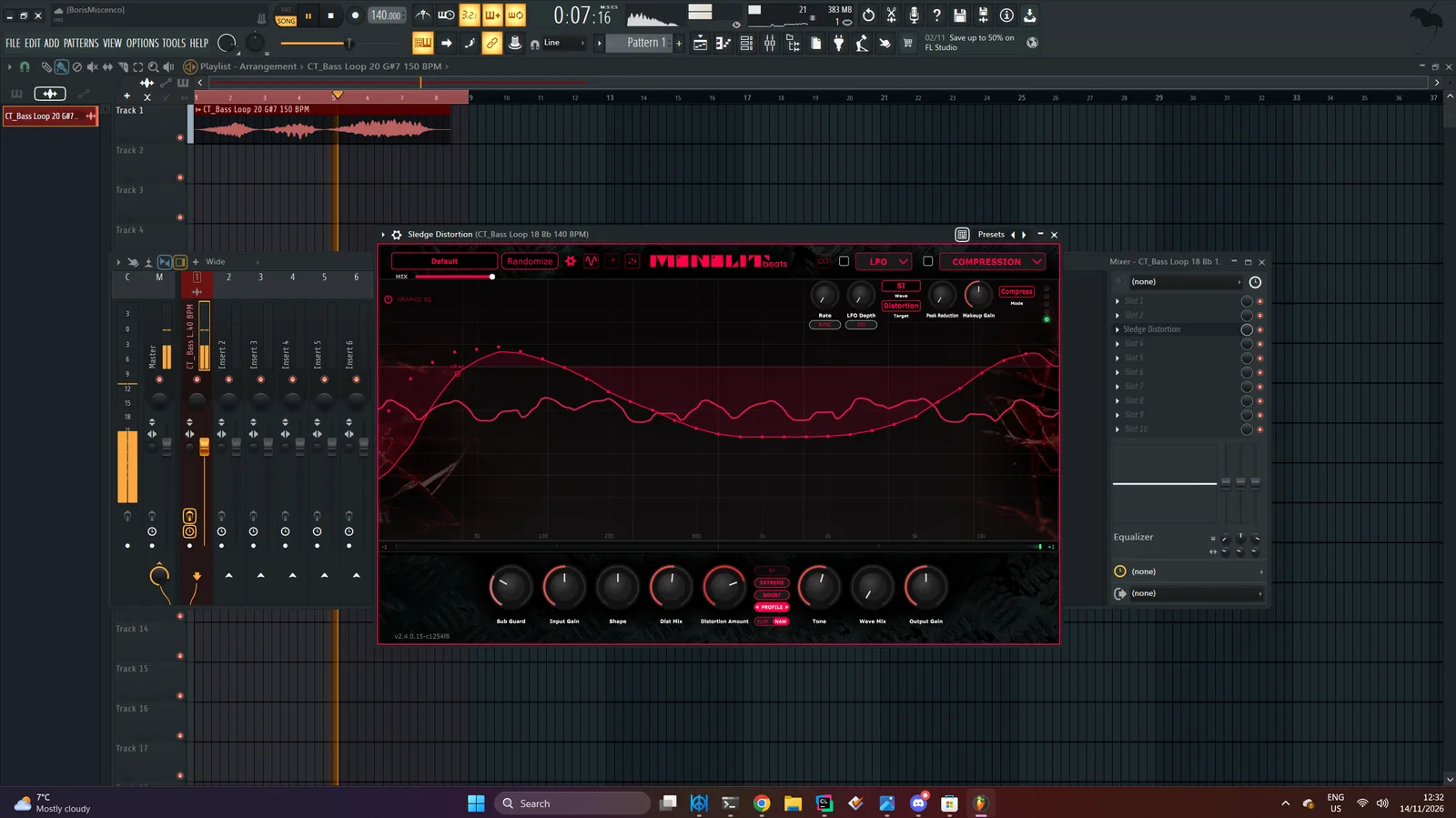
Sledge is a VST3 plugin on Windows, macOS and Linux, so it loads in FL Studio, Ableton Live, Reaper, Cubase, Studio One, Bitwig and other VST3 hosts. On macOS it is also an AU plugin for Logic Pro and GarageBand, and a standalone app.
64-bit Windows 10 or later, macOS 11 or later (Apple Silicon and Intel), or a Linux distro with ALSA. Pick your system when you download.
Open source
Sledge Distortion is free software under the GNU GPL v3. Use it in any music you make — personal or commercial — and use, study, modify and share the code, with derivatives kept under the GPL.
Source for every release is available to anyone who has the plugin — just ask. Need the code under other terms, or have commercial questions? Email monolitbeatz@gmail.com.
Download
Windows, macOS and Linux, 16 factory presets included. Enter your email, pick your system and the download starts straight away. Buying through Lemon Squeezy sends your download links by email.
Pay what you want: suggested £19.99 · minimum £14.99.
Checkout is run by Lemon Squeezy as merchant of record. By purchasing you agree to our Terms; see our Refund Policy and Privacy Policy.